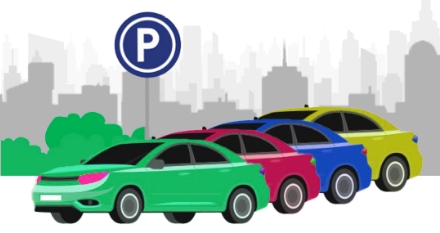
Imagery
Imagery communicates a message through photographs or illustrations.
Our Principles
It should be
Human
All of the layout guidelines should remain consistent all over a website pages.
It should be
Memorable
Images should reflect realism to increase user connection and recognition.
It should be
Future-forward
Keeping the layouts as simple and minimal as possible helps the users in terms of usability.
Photography
A perfect image is context-based. It’s recommend to shoot all images instead of sourcing content from third-party providers. This makes it easier to visually communicate real, relevant content.

Use images with minimal content in the background.

Use too much detail.
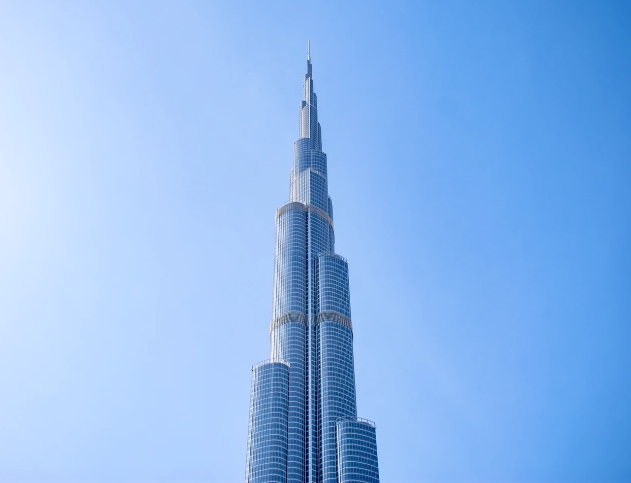
Reduce colours of the photograph.
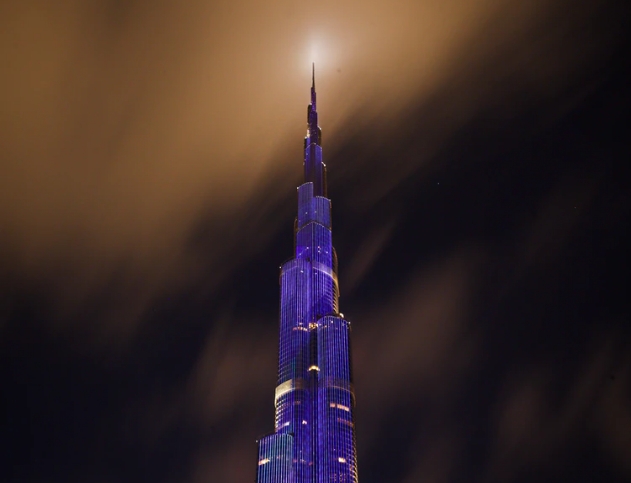
Use too many colours within the frame.
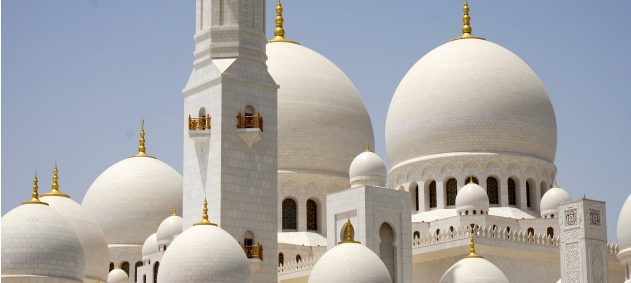
RUse sunlight to capture photos.
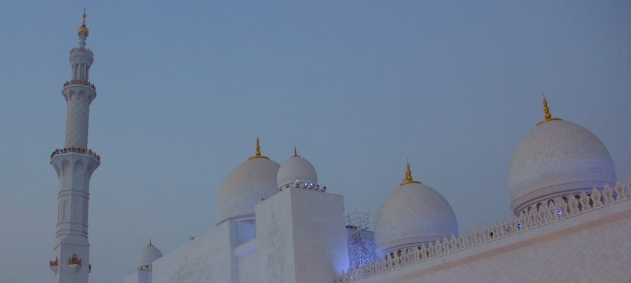
Take photos if there is not enough sunlight .

Use natural colour by adjusting the white balance based on the location.

Use coloured photo filters.
Framing and Composition
The rule of thirds in photography helps control the weight of objects in an image. Single and group objects with solid backgrounds should be centre-weight. Image with one foreground and background should follow the rule of thirds.
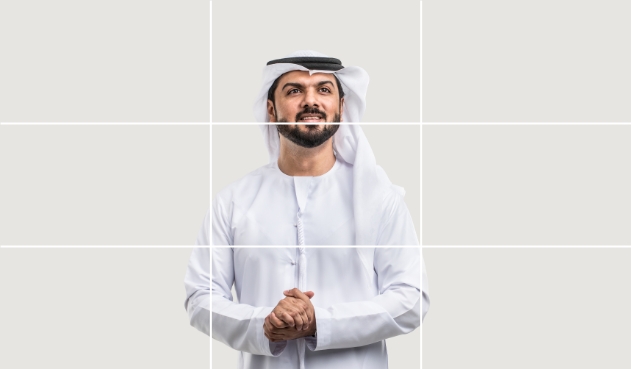
Use rule of third to control the weight of the image.
Make single object, solid-background images center-weight.
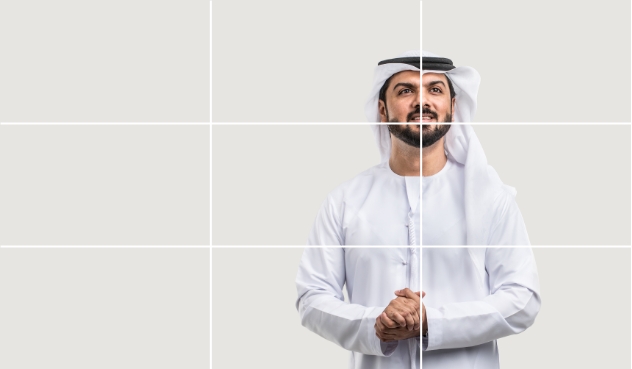
Left or right weight balance single object solid background images.
Apply this only for hero images (website headers), not for small size containers..
Eye-lines refers to the implied lines produced when we follow a person's line of sight. The eye-line should not leave the frame - it should remain within it by positioning the object on the right line of the rule of thirds.

Consider the eye-line for positioning the object.
The eye-line should be in the blank space when using the rule of thirds. This rule also applies to small size containers.

Place the central object too close to the frame.
It breaks the frame and overall layout.
Cropping
Cropping an image follows the foreground and the focal point of the image.
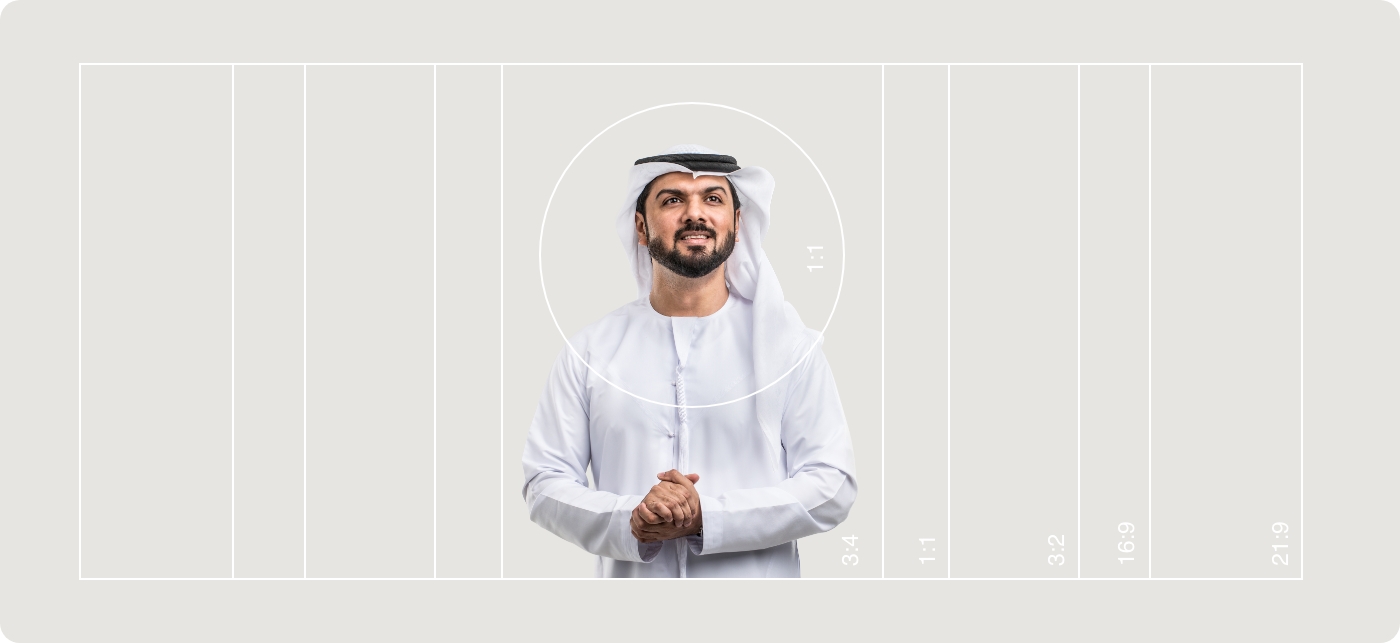




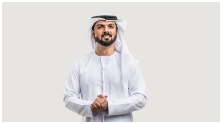


Crop the image to focus on details.
When cropping images for Cards, establish a clear focal point that you want viewers to pay attention to.
Application

Foreground and background
For images featuring several objects, primarily featuring events or the outdoors, separate the foreground from the background. Avoid photographs with very low apertures (lower than 2.2) to keep the background in focus.
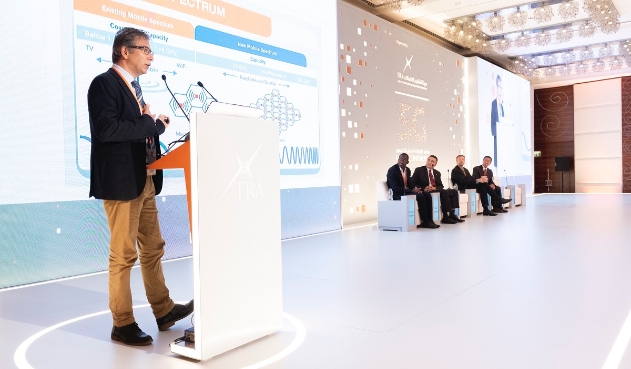
Position the main object in the foreground and the environment in the background.
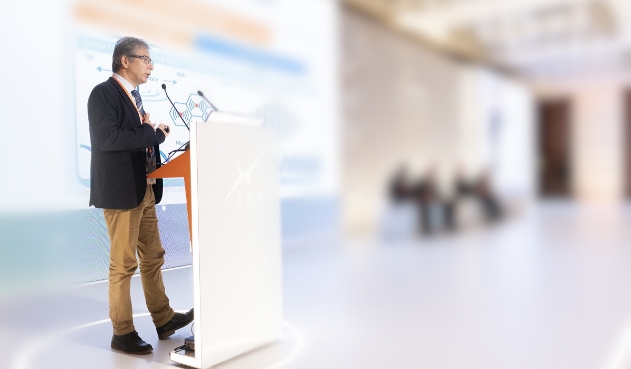
Blur the background, it removes to the context.
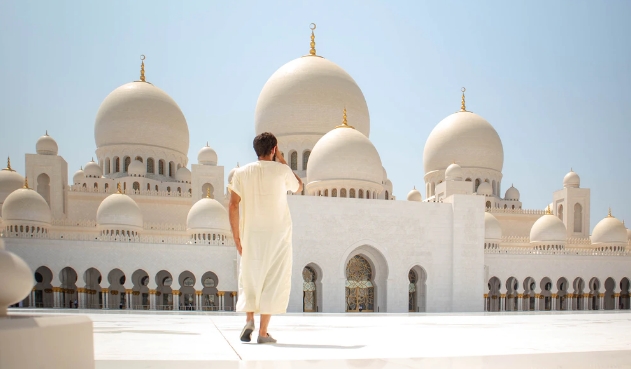
Position the main object in the foreground and the environment in the background.

Blur the background, it removes to the context.
Colour and tone
If you intend to have an image with specific colours, then capture it while keeping those colours in mind. Do not introduce the colours in post-production.
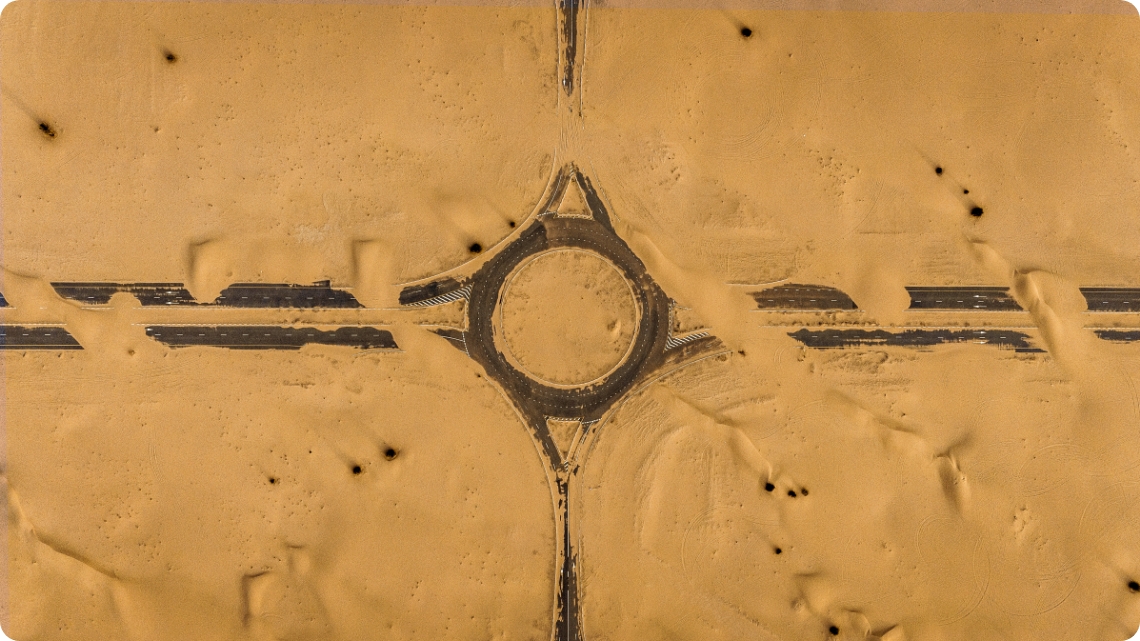
Here is an example of a realistic environment that captures the intended colour tones using natural light.
If you’re looking for a specific colour palette to be visible in your images, it is important to ensure that photoshoots are set up to capture the intended colour tones. Do not add colour overlays during post-production; only edit for location-based temperature correction.
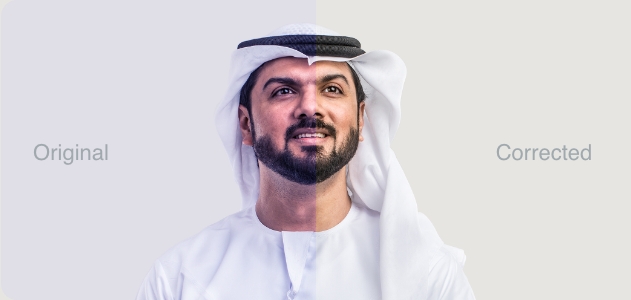
Correct the colour temperature.
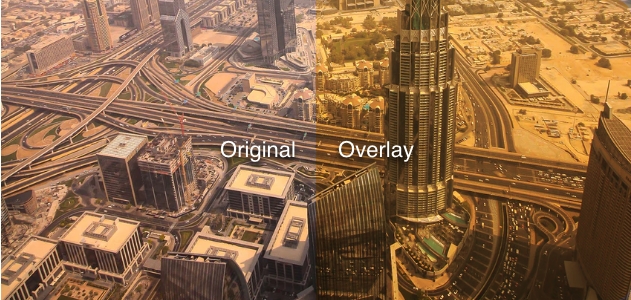
Add colour overlays.
Landscape photography
UAE’s landscapes and cityscapes are clean. Use the right photographs to represent this in the best way.
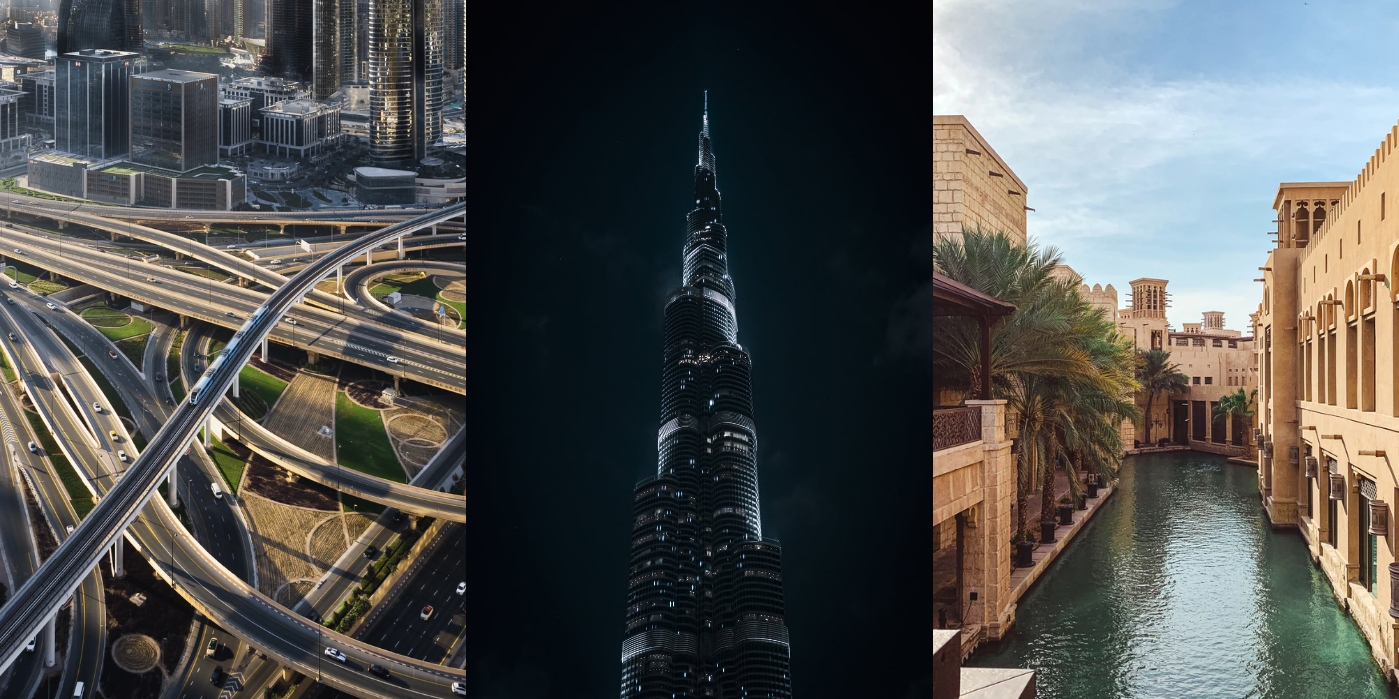
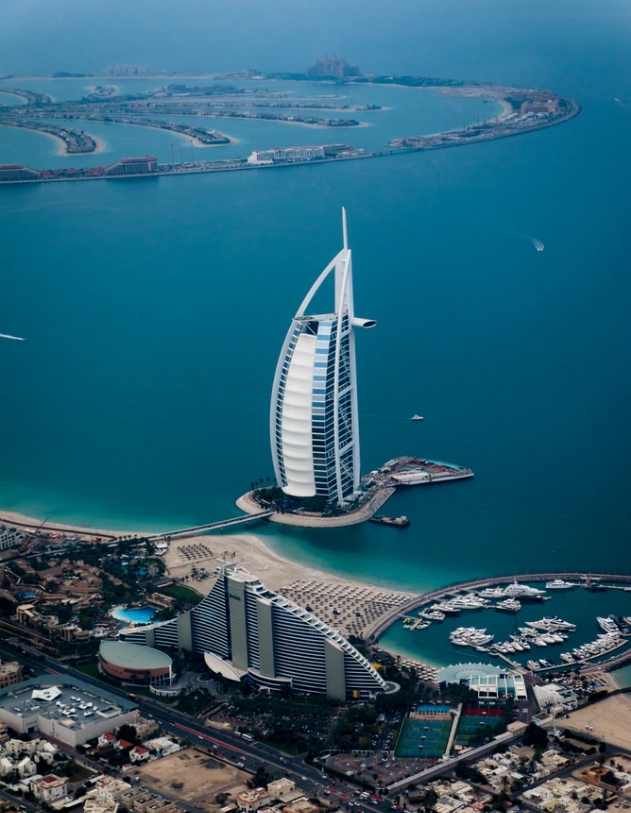
Correct the colour temperature.
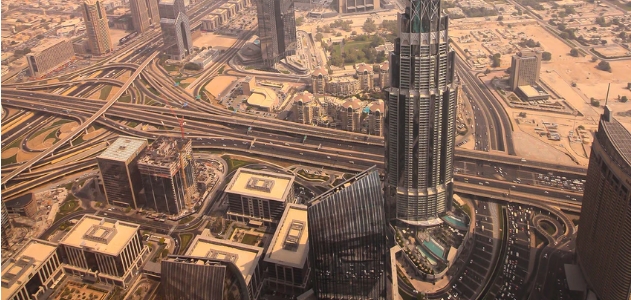
Use complex photographs.
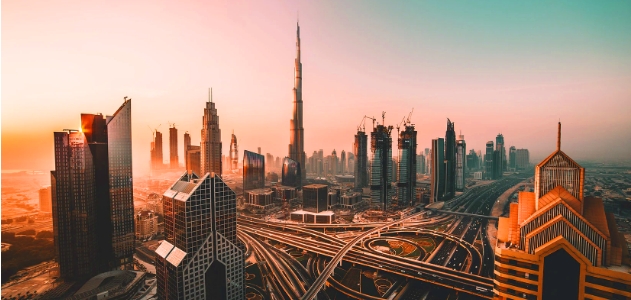
Use heavily-edited images.
Photography of people
Use photographs that reflect diversity, happiness and the quality of life that this nation provides to its citizens and residents.

Hero images
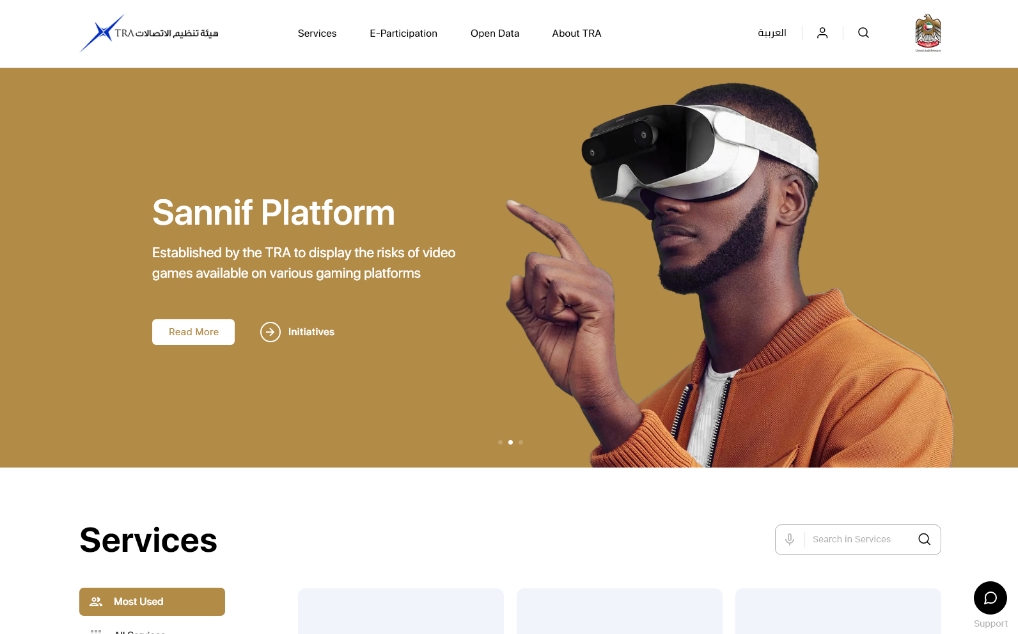
Hero images are usually website headers and/or large size images. They require space to display elements such as text and CTA links.
They are the first, most visible element seen by users, so ensure the hero image selected communicates your positioning as clean and as straightforward as possible.
You can experiment with colour to match the colour palette of the entity with the hero image background.

First step | Select an image that best represents your entity.

Second step | Optimize the aspect ratio and make room for text and buttons.

Third step | Edit the background colour to match your entity’s primary palette.
Teams
These images should be uniform in weight and shot in the same location using natural light. Place them on a solid background for consistency.

H.H. Mohammed Al Mansouri
Chairman, TDRA Board of Directors

Abdullah Al Shamsi
Board Member

Saeed Al Mazroui
Board Member

Hussein Al Zaabi
Board Member

Khalifa Al Nuaimi
Board Member
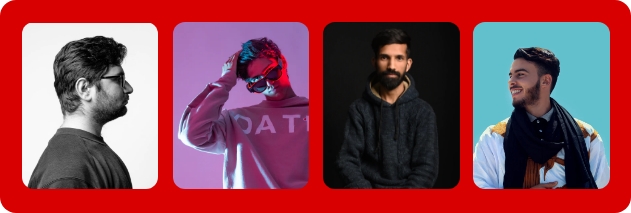
Take photographs of teams in different environments, methods and colours.
Text on images
Ideally, use an image that has space to add text. If you have to use images with limited or no space, add an overlay to create contrast.

Use images with solid colour background to add text.

Place text on the image where is no space.

Place the text behind the image object to preserve text readability.

Place text behind the object when it compromises text readability.
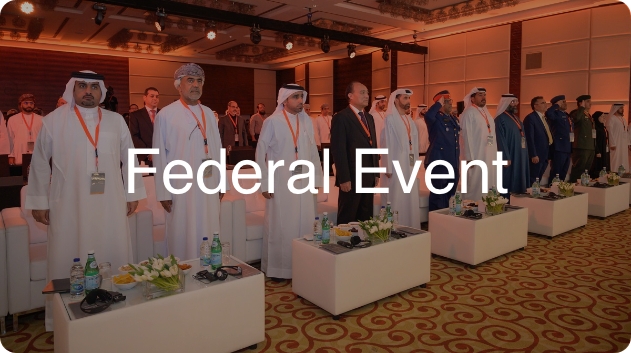
Add 30% black overlay on dark or semi-complicated images before adding text.
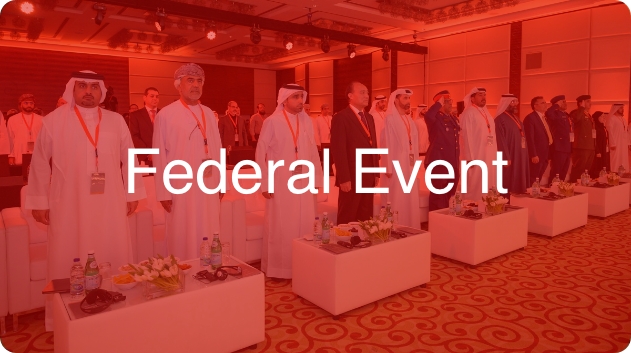
Add colour overlay.

Place text on 60% opacity black overlay when using crowded images.
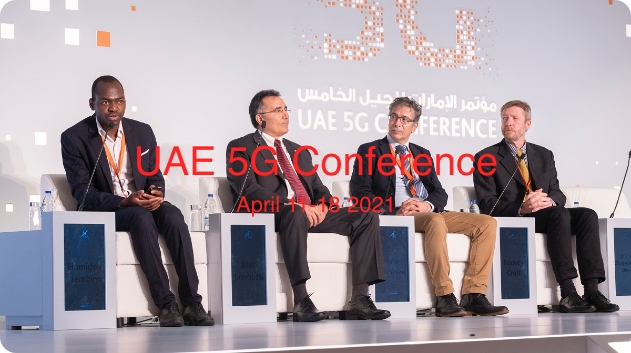
Apply colour for text on crowded images.
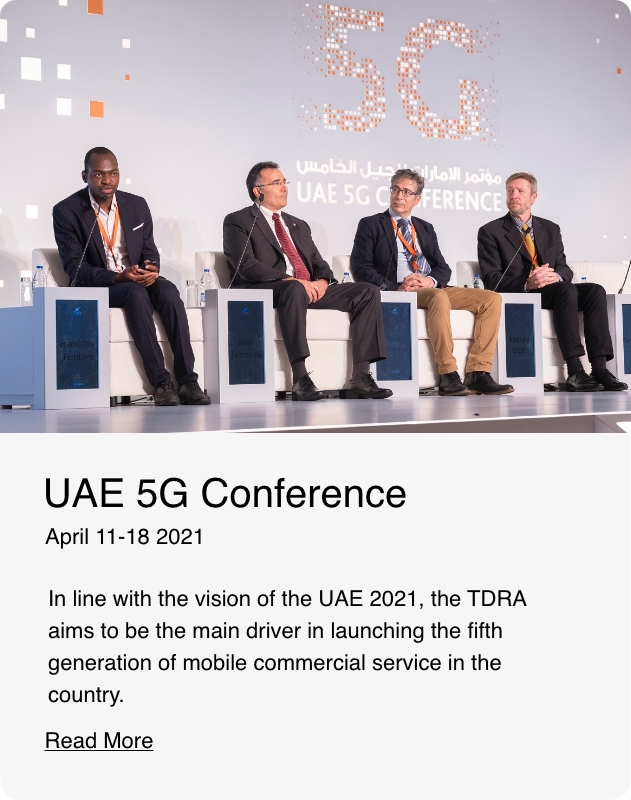
Separate image and paragraph text.
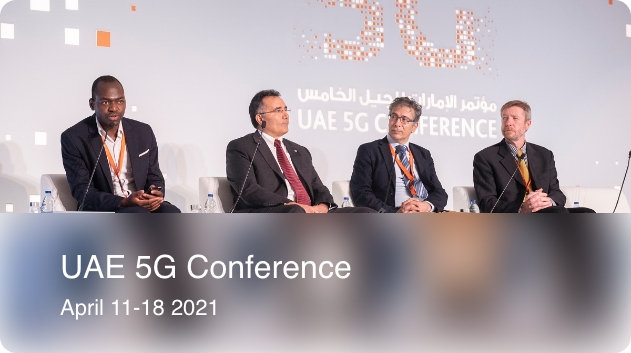
Add blur effect overlay on part of an image.
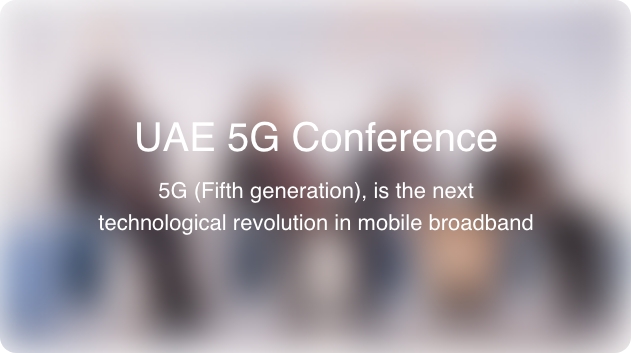
Add blur effect overlay fully on an image.
CGI
Computer generated imagery
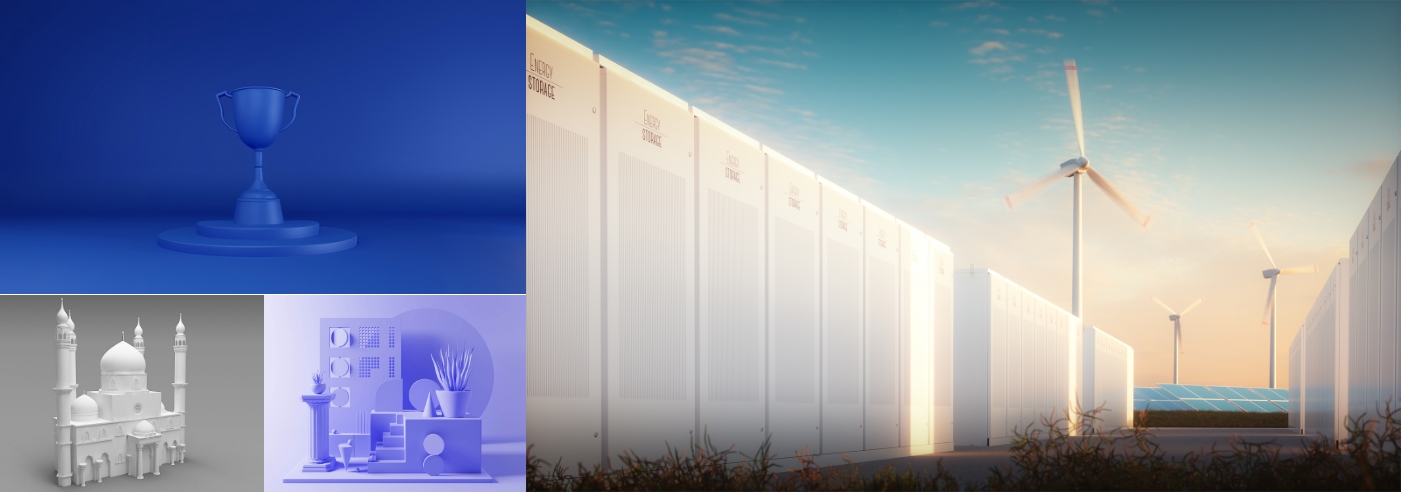
When taking photographs or searching for relevant stock images is not feasible, we recommend using CGI to highlight key initiatives and important announcements. CGI imagery is developed using specialist software, which offers a wide range of possibilities in content creation. Through the use of CGI, you can ensure complete control of shaping and creating visual content, from light to layout and beyond.
Application
We recommend using CGI content on an initiative’s landing page and not on the homepage of the entity. Below is a CGI concept-based image.
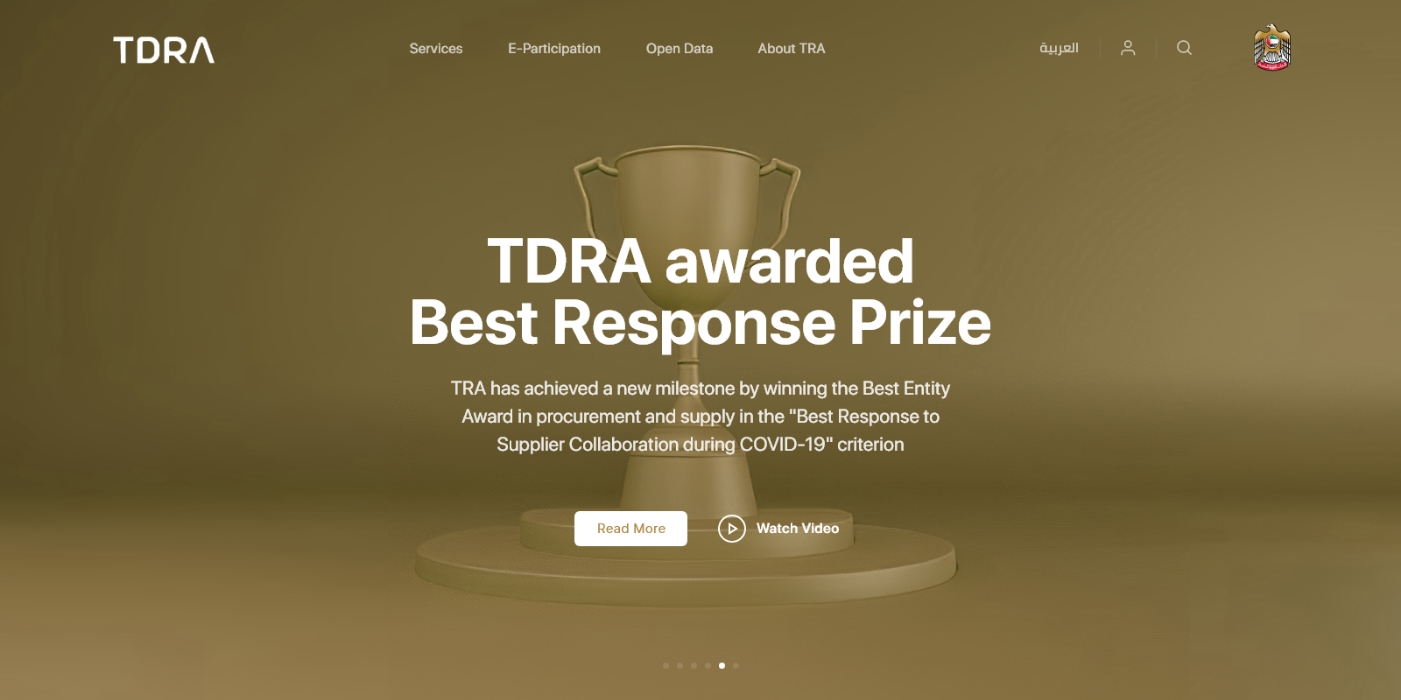
Image quality
Resolution, sharpness and file-size.
Use native resolution for an image without up-scaling.

Use images with lower resolution than desired container resolution.
File-size
For improved page speed, images should be compressed. We recommend saving them at the highest quality at 72dpi.
Then before uploading to the websites you should compress a copy of the image using a tool such as TinyPNG.
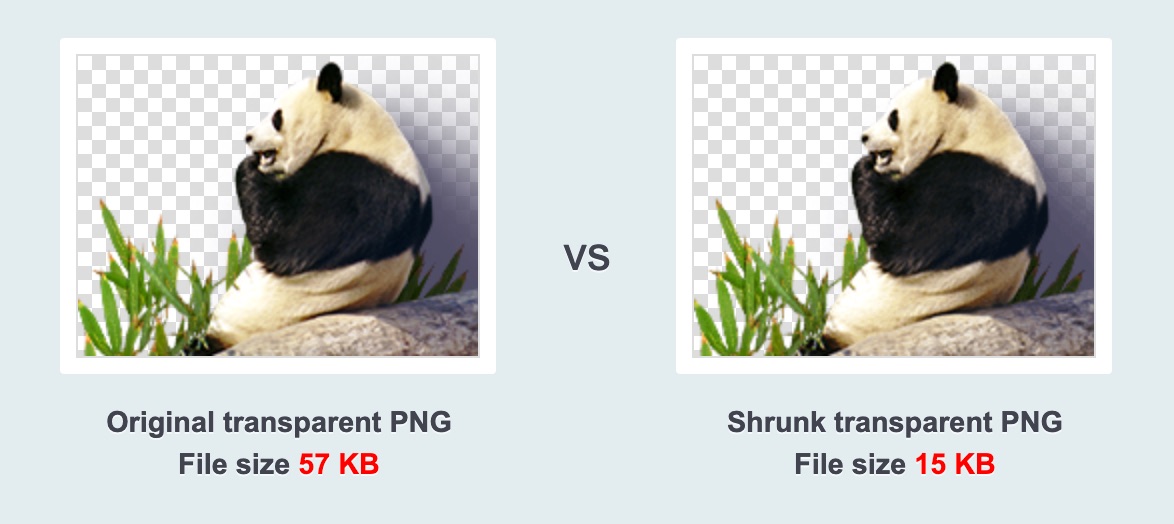
Optimise your assets before uploading.
Illustrations
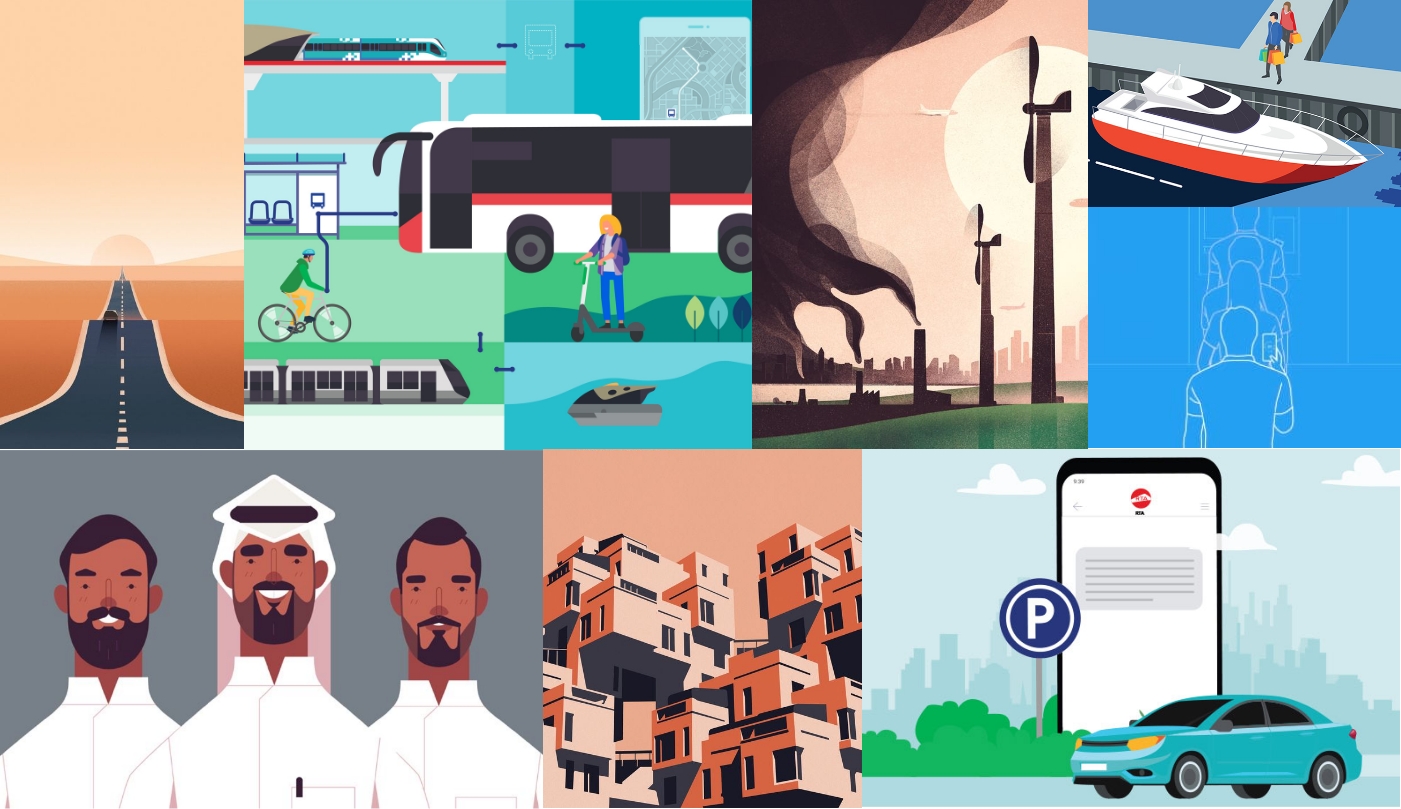
Illustrations are used to tell a story, convey a mood or utilise a metaphor to make a complex idea clear and relevant. An illustration is one of the many ways to represent values that users can engage and connect with. Think of illustrations along the same lines as photography and videography—they are visual storytelling tools.
Principles
Use core and secondary colours when creating illustrations.
Less is more
Create simple forms that are easy to recognise.
Geometric
Create illustrations using basic geometric shapes.
White space
Keep enough white space to balance the illustrations.
Hierarchy
Position the main object in the foreground and place supporting objects and environment in the background.
High contrast
Strong contrast helps important elements of an illustration stand out.
Solid colours
Don’t use gradients, contouring and soft transitions.
When to use illustrations
- Headers
- Spot illustrations
- Services
Use illustrations for these three components to help communicate content that represents a specific subject. It allows users to associate with the message positively.
Illustrated hero scenes
Scene illustrations are complex as they feature backgrounds, mid-grounds and foregrounds.
Where to use:
- Website headers
- Large sections and areas

Create hero illustrations with full-range of focal point from background to foreground.
Spot scene illustrations
Scene illustrations are simpler as they have foreground and slight background.
Where to use:
- Medium size containers

Create spot scenes with strong a foreground and minimal background.
Spot illustrations
Spot illustrations are the easiest to create as there is only a foreground (object). Such illustrations are used in wizards, services, structures and small sections due to their ease and simplicity.
Where to use:
- Medium to small size containers

Create spot illustrations only with foreground content.
Application
Two-tone icons
Useful in small sections or to show a process. Two-tone icons are created by adding secondary colours.
Where to use:
- Small sized containers
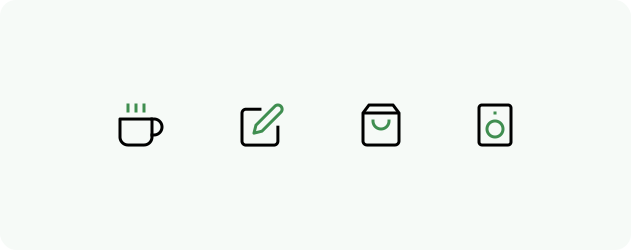
Create two-tones by adding colours to small, functional parts of the icon.
Colour and tone
Use core and secondary colours to add colour to illustrations.
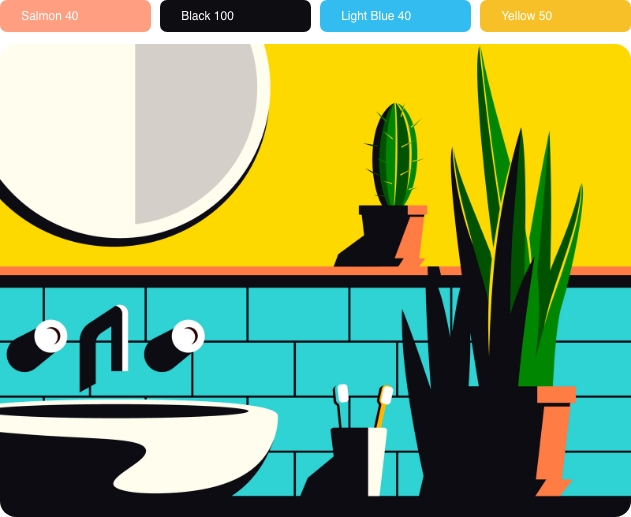
Apply the correct colour ratio to maintain high contrast and realism.
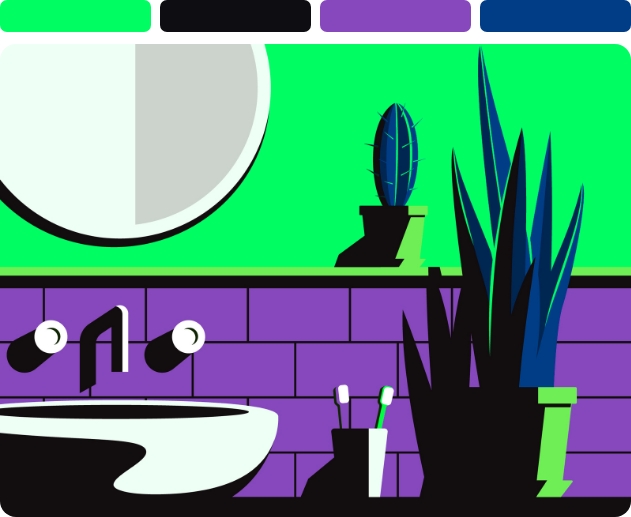
Use colours different from your colour palette.
Drawing guidelines